AMSA
Week 11: Orchestrating containers
The problem
Let’s remember our server and how we fixed the situation with Docker
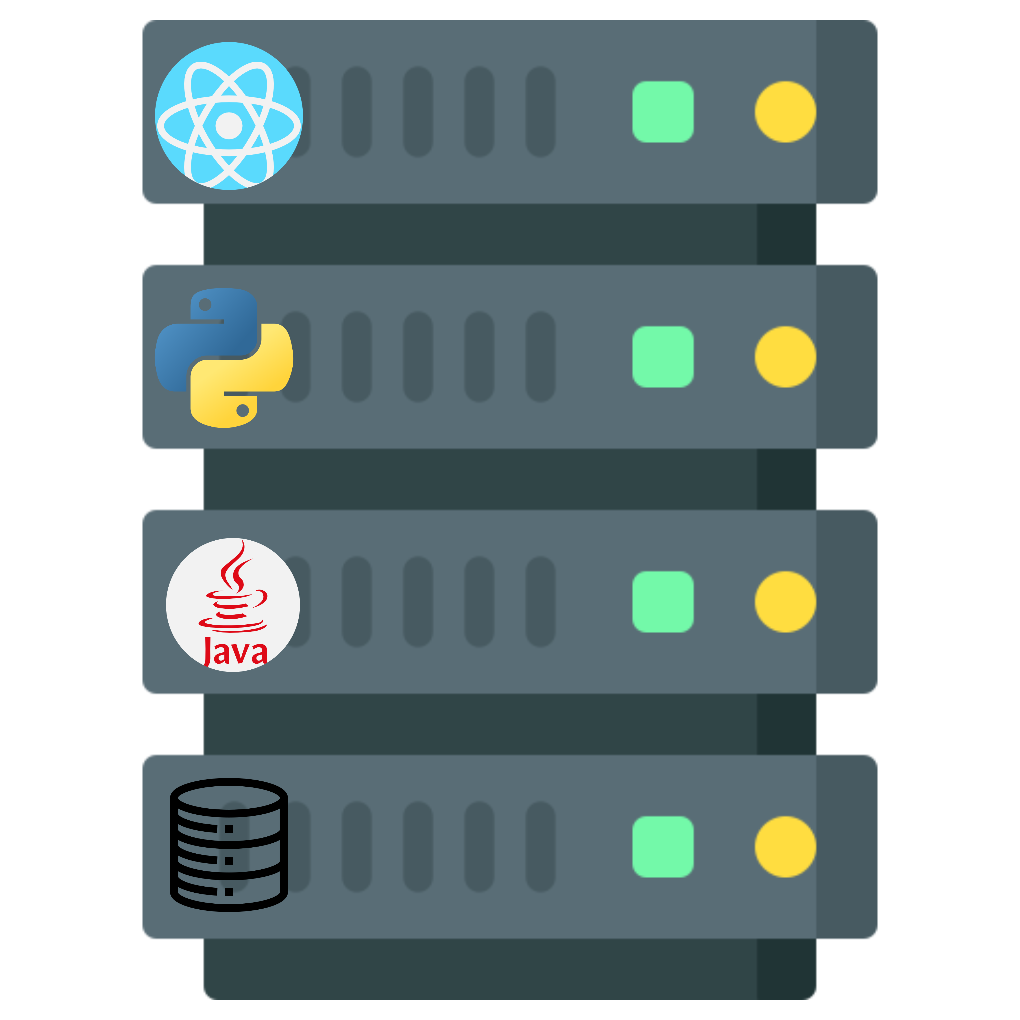
Dockerizing our apps
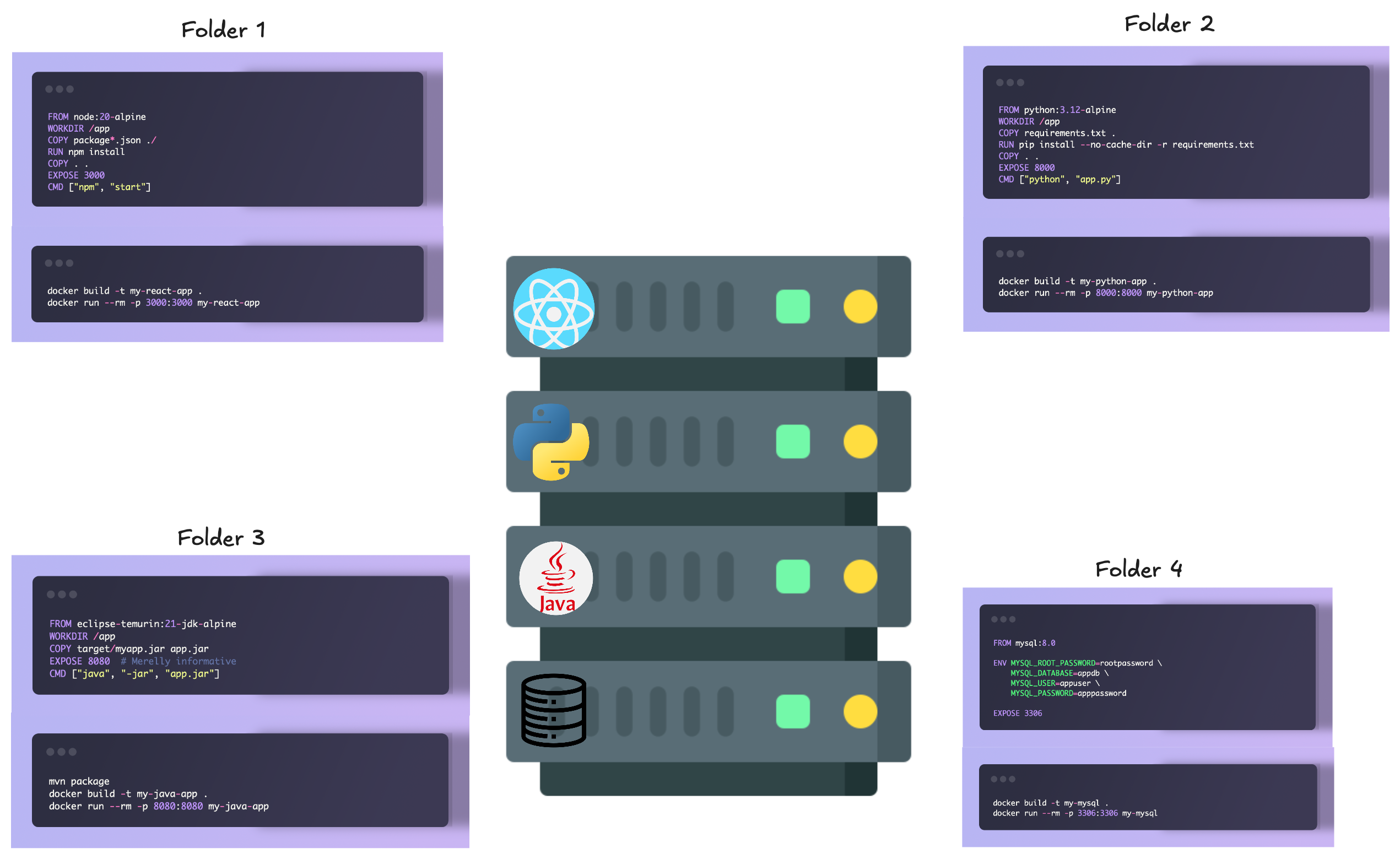
This doesn’t scale well..
- Starting/restarting/stopping our services needs us to move between different folders
- Docker containers are treated as standalone services when they’ll usually have some logic between them
Tip
Wouldn’t it be cool if there was something to orchestrate this different services? Something that also gave us the capability to manage some logic between them?
The solution
Introducing docker compose
A yaml file that:
- Simplified control: define and control multiple containers from a single file and bring them up/down with one command.
- Services: declare each component (image or build context, ports, environment variables, volumes).
- Networks & Volumes: centrally configure networking and persistent storage for services.
- Orchestration: express dependencies (
depends_on), healthchecks, and scaling (e.g.,docker compose up --scale). - Reproducibility: shareable, versioned configuration suited for local development, CI/CD, and deployments.
Our first compose file
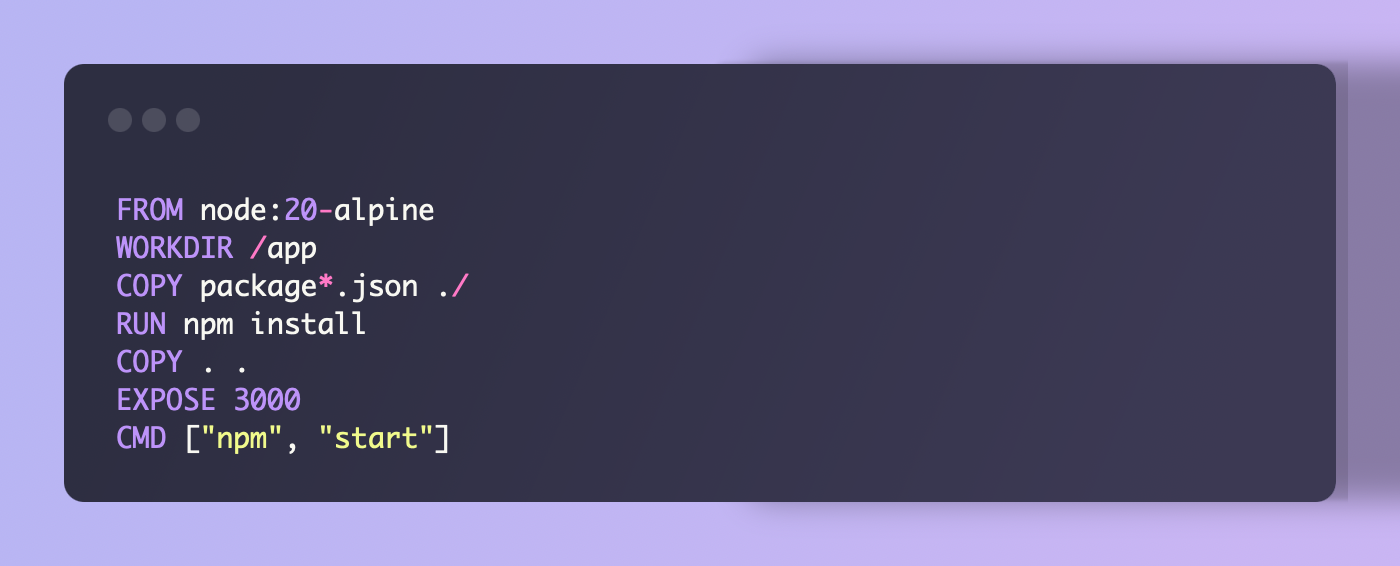
servicesis always needed, top level definition to introduce the docker services- “frontend” declares a new container, named like that. We can put whatever we want here
buildspecifies the folder from which the docker should be built upon. It will search for aDockerfilein that folder
Interacting with the services
- Bash is almost the same,
docker“turns” todocker compose - We no longer use tags to refer to docker containers, but refer to them by the service name in the compose file.
Tip
If no service is specified, we will refer to the whole compose file (all services)
Some more commands
docker compose up-> Start all services (foreground)docker compose up -d-> Start all services (detached)docker compose down-> Stop all servicesdocker compose ps-> List all running servicesdocker compose logs-> View logs from all servicesdocker compose exec api bash-> Open a bash terminal in theapiservice
Scalling services (k8s)
Docker allows us to scale services easily:
- Docker swarm is another orchestration tool designed specifically for scaling and managing clusters of Docker nodes.
- There’s also Kubernetes, which is more powerful and complex.
Note
We understand scaling as running multiple instances of the same service to handle increased load or provide redundancy.
Non-build images
For now, we’ve always built our images from a Dockerfile. What if we want to use an existing image from a registry and just configure it?
We can directly specify the image to use with the image key.
Networking between services 🚨
Networking between services 🚨
If our service has the mapping:
What’s the address we should use to see it from our browser?
localhost:4000
Networking between services 🚨
Why localhost?
Localhost is a special address that always points to the machine you’re currently using. When you run a web server on your computer and map its port to your localhost, you’re essentially telling your computer to listen for incoming requests on that specific port.
If the server was running on a different machine, you would need to use that machine’s IP address or hostname to access it.
Networking between services 🚨
Can you detect the problem here?
Networking between services 🚨
Will we ever access the database from the outside?
No! The database is only needed by the backend service.
But what if…
No, you really shouldn’t expose the database to the outside world unless absolutely necessary.
Networking between services 🚨
In order to avoid exposing unnecessary ports, we can remove the ports section from the db service
But how does the backend service access the database then?
Networking between services 🚨
Docker Compose automatically creates a default network for all services defined in the docker-compose.yml file. Each service can communicate with other services using the service name as the hostname (IP).
So, in our case, the backend service can access the database using the hostname db and the default MySQL port 3306.
Networking between services 🚨
Using standalone Docker containers: 
Using Docker Compose: 
Dependencies between services
Dependencies between services
Sometimes, we want to make sure that a service starts only after another service is up and running We can use the depends_on key to specify these dependencies
Tip
Note that depends_on only ensures that the db service is started before the backend service. It does not guarantee that the db service is ready to accept connections. To ensure that a service is ready, you may need to implement health checks or wait-for-it scripts.
Volumes and bind mounts
Volumes and bind mounts
Sometimes, we want to persist data generated by a service, even if the container is removed. For example, a database service needs to store its data on disk.
We can use bind mounts to persist data
This will create a bind mount volume that maps the ./db-data directory on the host to the /var/lib/mysql directory in the container.
Tip
There’s something called named volumes as well, which are managed by Docker and not tied to a specific host directory, usually better for production environments. Feel free to check them out in the references!
Summary
Summary
- Compose basics: describe multiple services in one YAML file; refer to containers by service name.
- Build vs image: use
build:for local Dockerfiles,image:to pull a registry image. - Networking: services reach each other by hostname = service name; internal ports need not be exposed.
- Ports:
host:containermaps host ports; expose only what is necessary. - Common commands:
docker compose build,up/down,ps,logs,exec;-dto detach,--scaleto run multiple instances. - Volumes: persist data with bind mounts or named volumes; useful for databases.
- Dependencies: use
depends_onto control startup order; consider health checks for readiness. - Best practices: avoid exposing databases, use explicit image tags, keep secrets out of compose files.
Quizz
Quizz:
- Does
depends_onguarantee that the depended-on service is ready to accept connections? If not, how to make it wait? - If
image:is given without a tag (e.g.,redis), what is pulled and why is that a reproducibility risk? - When do we use
docker compose upvsdocker compose up -d? - What’s
docker compose -danother alternative for? - When do we use
build:vsimage:in a service definition? - How do services communicate with each other in Docker Compose networking?
References
References:
- Docker compose documentation: https://docs.docker.com/compose/
- Volumes and persistence (bind mounts vs named volumes): https://docs.docker.com/storage/volumes/
- Healthcheck (container readiness) and using it with depends_on: https://docs.docker.com/engine/reference/builder/#healthcheck and https://docs.docker.com/compose/compose-file/compose-file-v3/#depends_on
- Scaling & orchestration; when to move to Kubernetes: https://docs.docker.com/compose/reference/up/ and https://kubernetes.io/docs/
- Troubleshooting networking and platform differences (Linux vs macOS/Windows): https://docs.docker.com/desktop/networking/
Additional Exercices
Create a super-simple api and implement a healthcheck endpoint.
Verify that the healthcheck works by using it in a depends_on clause in a docker-compose file.
Activity 4
Ready to have some fun? Check out the second part of the fourth AMSA activity here!

AMSA 2025-2026 - 🏠 Home